How to unplug and plug the PDB in 19c Database
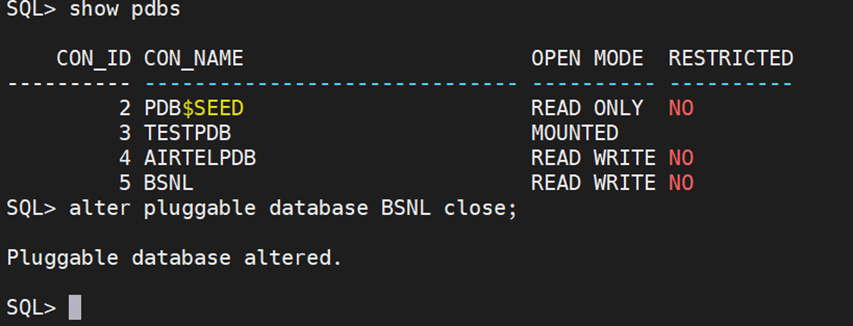
Unplugging the PDB To unplug a PDB, you first close it and then generate an XML manifest file. The XML file contains information about the names and the full paths of the tablespaces, as well as data files of the unplugged PDB. The information will be used by the plugging operation. SQL> alter pluggable database BSNL close; Pluggable database altered. Unplug the closed PDB SQL> alter pluggable database BSNL unplug into '/home/oracle/bsnl.xml'; Pluggable database altered. Verify the status of the unplugged PDB SQL> select pdb_name, status from cdb_pdbs where pdb_name in ('BSNL'); PDB_NAME -------------------------------------------------------------------------------- STATUS ---------- BSNL UNPLUGGED Plugging the PDB SQL> create pluggable database "BSNL" using '/home/oracle/bsnl.xml' nocopy tempfile reuse; Pluggable database created. ...